The Best Time to Get a Medical Alert Device Is Before You Need One!
Choosing a medical alert device from a place of curiosity — not crisis — leads to better decisions and a device that actually gets worn.
Why This Matters
Falls are the leading cause of injury-related death among adults 65 and older.
Most happen at home. And in a large percentage of cases, the person who falls spends time on the floor — sometimes hours — before anyone finds them. That window matters enormously for recovery outcomes.
A personal emergency response system (PERS) — sometimes called a medical alert system or alert device — is a tool designed to close that gap. It lets someone call for help immediately, even if they can't reach a phone.
Here's the thing most people get wrong: they think about getting one after something happens. A fall. A health scare. A close call. But by then, the damage may already be done — and worse, fear and embarrassment can make someone resist wearing a device they now actually need.
The smartest time to get a PERS is before you need it urgently. When you're choosing from a place of curiosity rather than crisis, you'll make a better decision, get used to wearing it on your own terms, and be far more likely to actually have it on when it counts.
What to Look For
Not all systems are created equal, and the "right" one depends on the person using it. Here are the key things to consider:
Will you actually wear it or use it?
This is the single most important question. A device sitting on the nightstand doesn't help anyone. Think about your daily routine, your comfort with technology, and whether you prefer something discreet or don't mind visibility.
Does it work where you spend time?
Some systems only work at home (they connect to a base unit). Others use cellular or GPS and work anywhere. If someone is active, travels, or spends time outdoors, at-home-only won't cut it.
Is there automatic fall detection?
This matters most for people who might not be able to press a button after a fall. Automatic detection isn't perfect — it can have false alarms — but for higher-risk individuals it can be lifesaving.
Who does it call?
Some systems connect to a 24/7 professional monitoring center. Others notify family members directly. Some do both. A monitoring center is available any time of day; family may not be.
What does setup require?
Some devices are truly plug-and-play. Others require app downloads, Wi-Fi configuration, or ongoing maintenance. Setup is often harder than daily use — if you're not confident with technology, plan to ask a family member, a neighbor, or someone like Dr. Lyndi for help getting started.
What does it cost?
Pricing typically includes a one-time device cost plus a monthly monitoring fee. Most are month-to-month (you can cancel anytime). Watch out for long-term contracts — they're worth asking about upfront.
The Three Main Categories
Personal emergency response systems generally fall into three categories, each with a different approach to keeping someone safe.
1. Wearable Devices
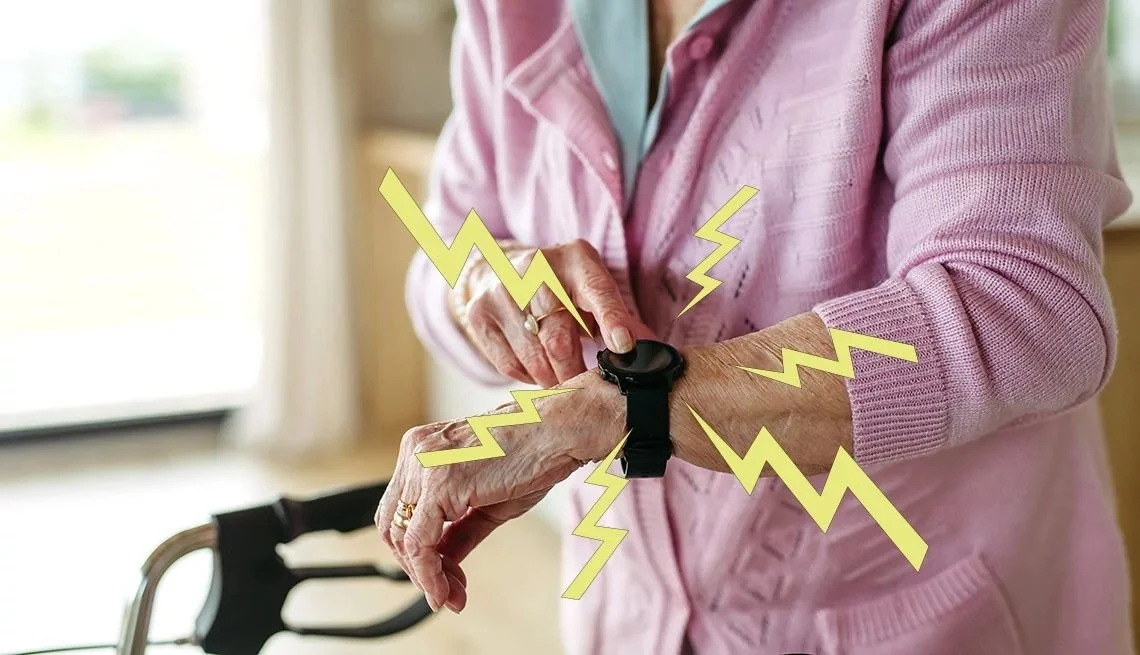
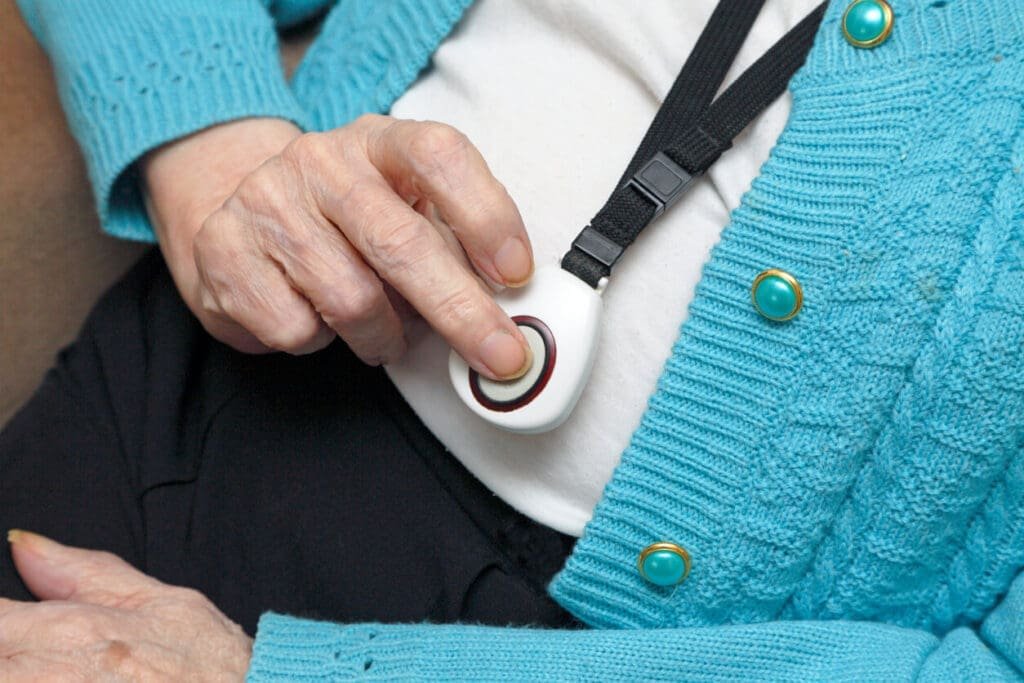
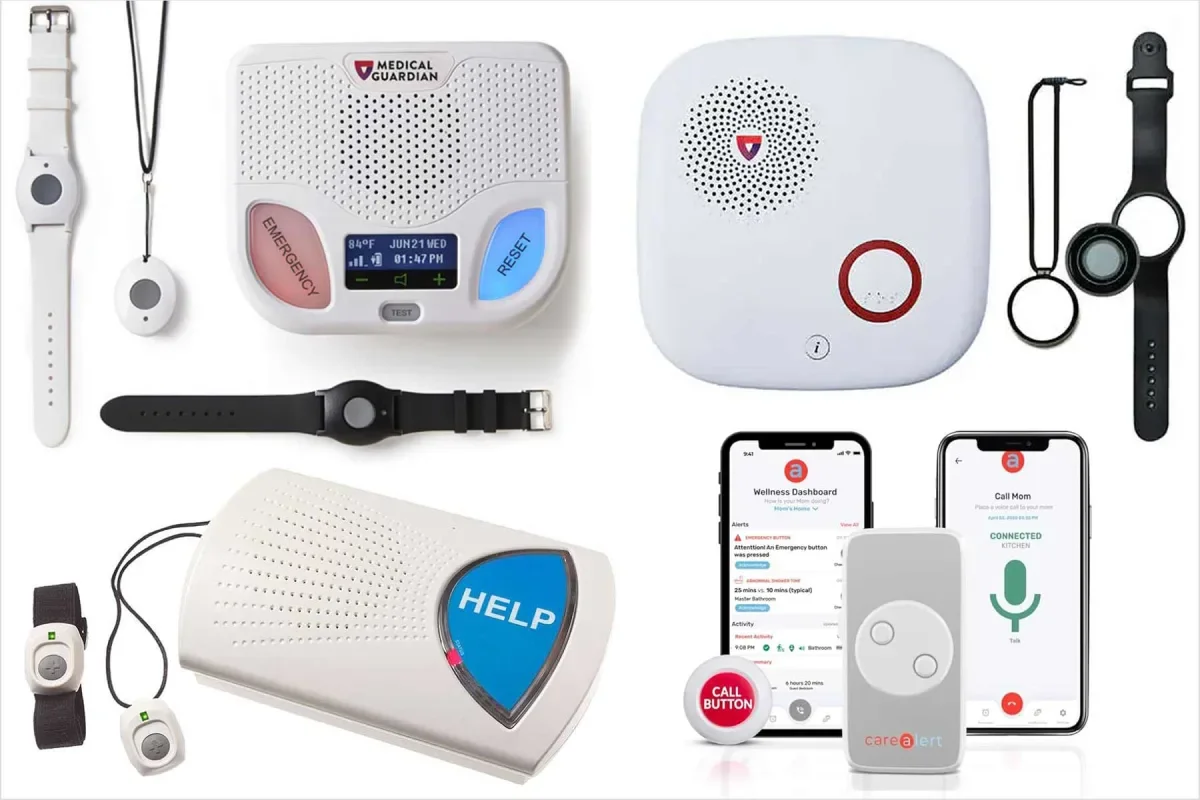
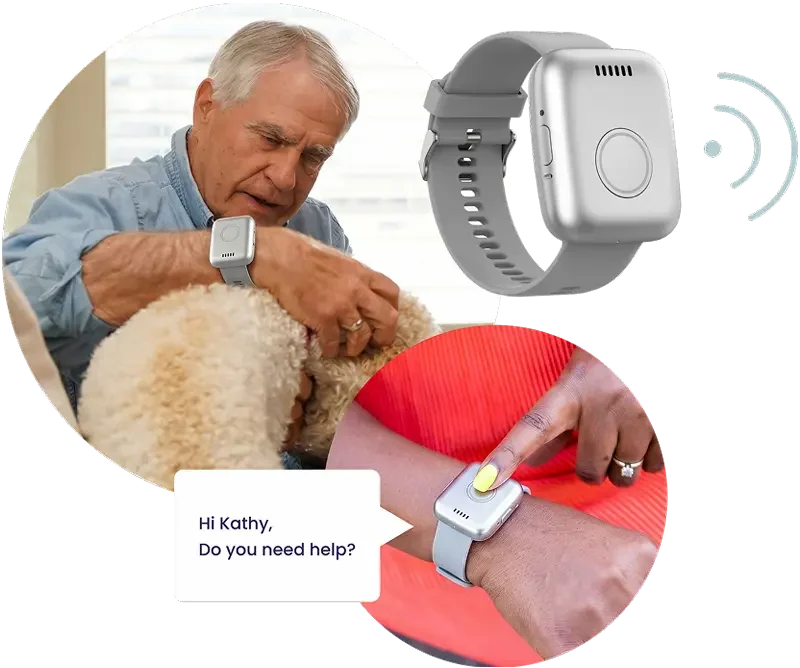
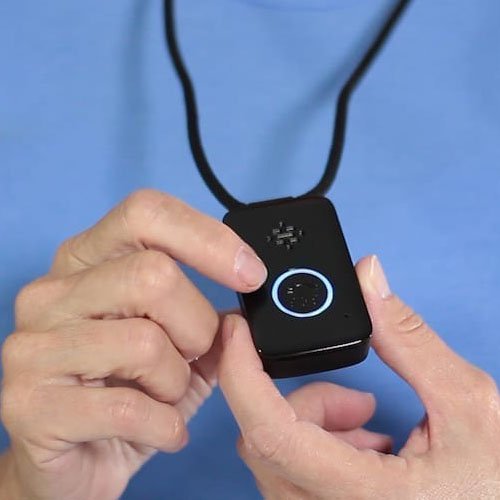
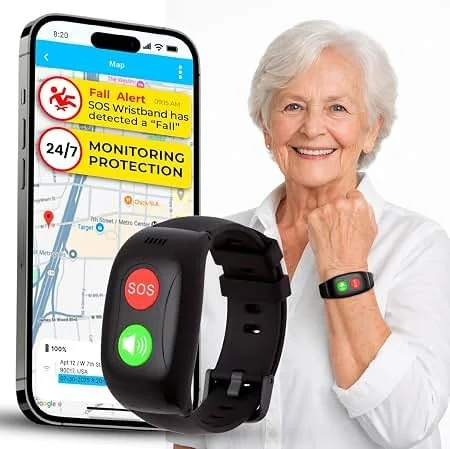
These are the classic PERS — a button worn as a pendant around the neck or as a wristband, pressed when help is needed. They've come a long way from the "I've fallen and I can't get up" commercials.
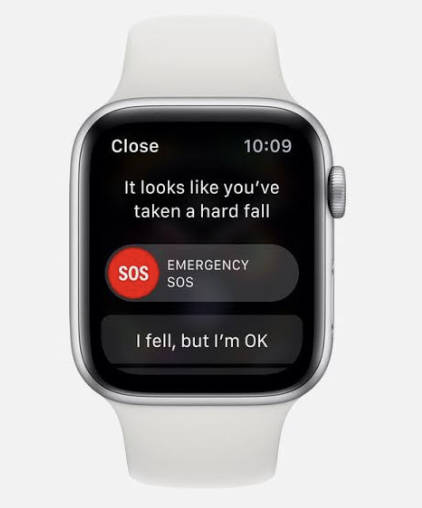
Well-known options include Medical Guardian, Bay Alarm Medical, and Lifeline (note: Lifeline and Life Alert are different companies — Life Alert is known for long-term contracts, which are worth asking about upfront). The Apple Watch and Lively (formerly GreatCall) offer wearable PERS features blended into everyday technology, which some people find more comfortable to wear.
Many newer wearable devices include GPS and work anywhere — not just at home. Some include automatic fall detection, where the device senses a fall and calls for help even if the button isn't pressed.
Cost and setup: Most wearable systems cost $30–$50/month for monitoring, sometimes with a one-time device fee (some waive it). Month-to-month plans are common — watch for long-term contracts and ask upfront. Setup is generally straightforward: charge the device, press a button to test it, and you're ready. Medicare typically does not cover these costs, but some Medicare Advantage plans do, so it's worth a quick call to your plan.
2. Voice Assistants
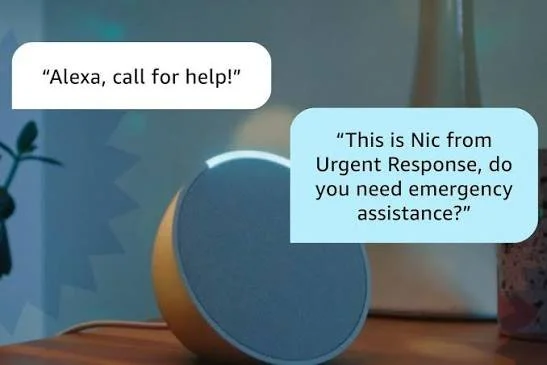
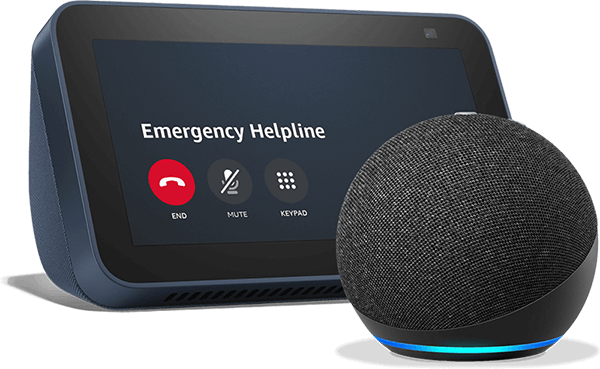
Amazon Echo (Alexa) and Google Home devices can be set up to call for help with a voice command. They're already in many homes, and their familiar form makes them feel less "medical."
One important thing to know: by default, voice assistants contact family members — not a professional monitoring center or 911. That means if something happens at 3 a.m. and a family member doesn't pick up, help may not come. Amazon does offer a step up through Alexa Emergency Assist, which connects to a 24/7 professional monitoring center that can dispatch emergency services — a meaningful upgrade over family-only contact. However, the fall detection feature requires a separate compatible device (not the Echo speaker itself), and the monitoring center is activated by voice, so it may not trigger if someone is unable to speak. It's a solid option, but it's worth understanding exactly what you're getting.
If a voice assistant is the right fit, plan to get help with the initial configuration. Getting it set up correctly is the hardest part, and it's worth doing right.
Cost and setup: The Echo device itself runs $30–$100 as a one-time purchase. Alexa Emergency Assist adds professional monitoring for around $8–$25/month depending on the plan; Alexa Together (family monitoring only) runs about $20/month. Setup is where most people get stuck — configuring emergency contacts, enabling the right features, and testing the system takes more time and tech comfort than the day-to-day use suggests. Plan to involve a family member or friend for the initial setup.
3. Passive Monitoring Systems
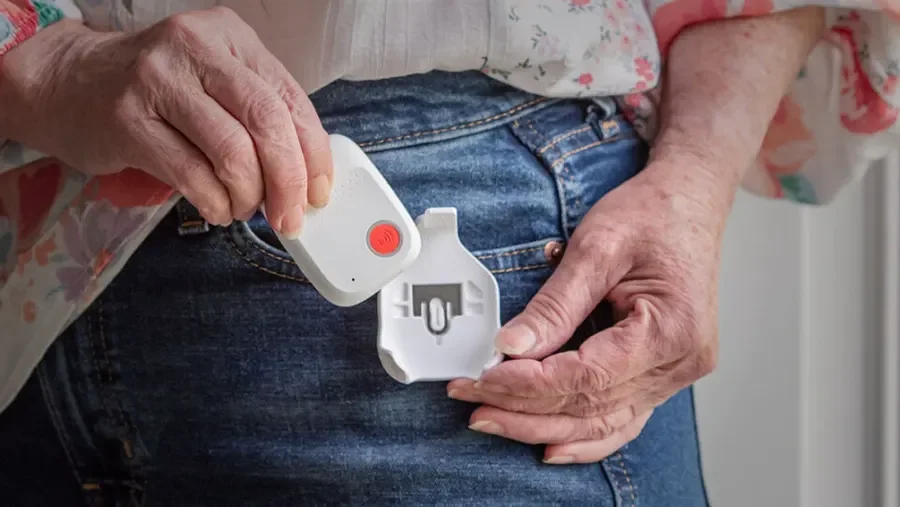
This is the newest category — and in some ways the most compelling for people who resist wearing anything. Passive monitoring uses motion sensors, sound analysis, or environmental data to track patterns of daily activity. No button to press. Nothing to wear.
Sensi AI is a strong example of this approach. It uses a small plug-in sensor that listens for sounds of distress and learns the rhythms of normal daily activity. When something seems off, it alerts a family member or caregiver. Sensi has both a professional version used by care providers and a consumer version available directly at sensi.ai/seniors. Sensi AI is HIPAA compliant. This short video is a helpful introduction to how it works: Sensi AI — How It Works.
Passive monitoring isn't a replacement for a wearable or voice system in every situation, but for someone who consistently refuses to wear a device, it may offer meaningful coverage where nothing else would.
Cost and setup: Sensi AI's consumer plan runs approximately $30–$40/month. Setup is minimal — plug the sensor into an outlet, connect it to Wi-Fi, and add a family member's contact information. It's one of the easier systems to get running, which matters when tech resistance is already part of the picture.
Pros and Cons at a Glance
Wearable devices
✅ Wide range of options and price points
✅ Many include GPS and automatic fall detection
✅ Professional monitoring available 24/7
❌ Requires actually wearing the device every day
❌ Some carry long-term contracts (always ask)
❌ Monthly monitoring fees add up over time
Voice assistants
✅ Already in many homes; familiar technology
✅ Hands-free and discreet
✅ No device to wear
❌ Calls family by default, not emergency services
❌ Setup is more complex than daily use
❌ Requires someone to answer on the other end
Passive monitoring
✅ Nothing to wear, press, or remember
✅ Works in the background without interrupting daily life
✅ Good option for people who resist wearables
❌ Does not allow the person to actively call for help
❌ Alerts go to family/caregivers, not emergency responders directly
❌ Newer technology; fewer options than wearables
The Bottom Line
The best personal emergency response system is the one you will actually use.
It doesn't matter how many features a device has if it sits on the nightstand. It doesn't matter how affordable a plan is if the setup is so complicated that it never gets done. The "best" system on a comparison chart may be completely wrong for a specific person.
This is where an occupational therapist can help. OTs look at the whole picture — someone's daily routine, their comfort with technology, their home environment, their support network — and help match the right tool to the right person. That's a very different process from reading a product review.
If you're not sure where to start, here's a simple approach: pick one category that feels the least resistant, and try it. Getting used to wearing a device — or hearing an alert notification — before there's ever an emergency is one of the most protective things someone can do. You're building a habit, not just buying a product.
And if someone in your life has been saying "I don't need that yet" — that's actually the ideal moment to start looking.
Resources & Links
Medical alert systems (wearables)
Lively (formerly GreatCall) — phones, medical alert device, family app, no long-term contracts
Voice assistant safety features
Sensi AI (passive monitoring)
sensi.ai/seniors — consumer version for families
Occupational therapy and aging in place
qualotoflife.com — Dr. Lyndi Hinkle, OTD, OTR/L
Have questions about which system might be right for you or someone you love? Reach out — that's exactly what Dr. Lyndi is here for.
